
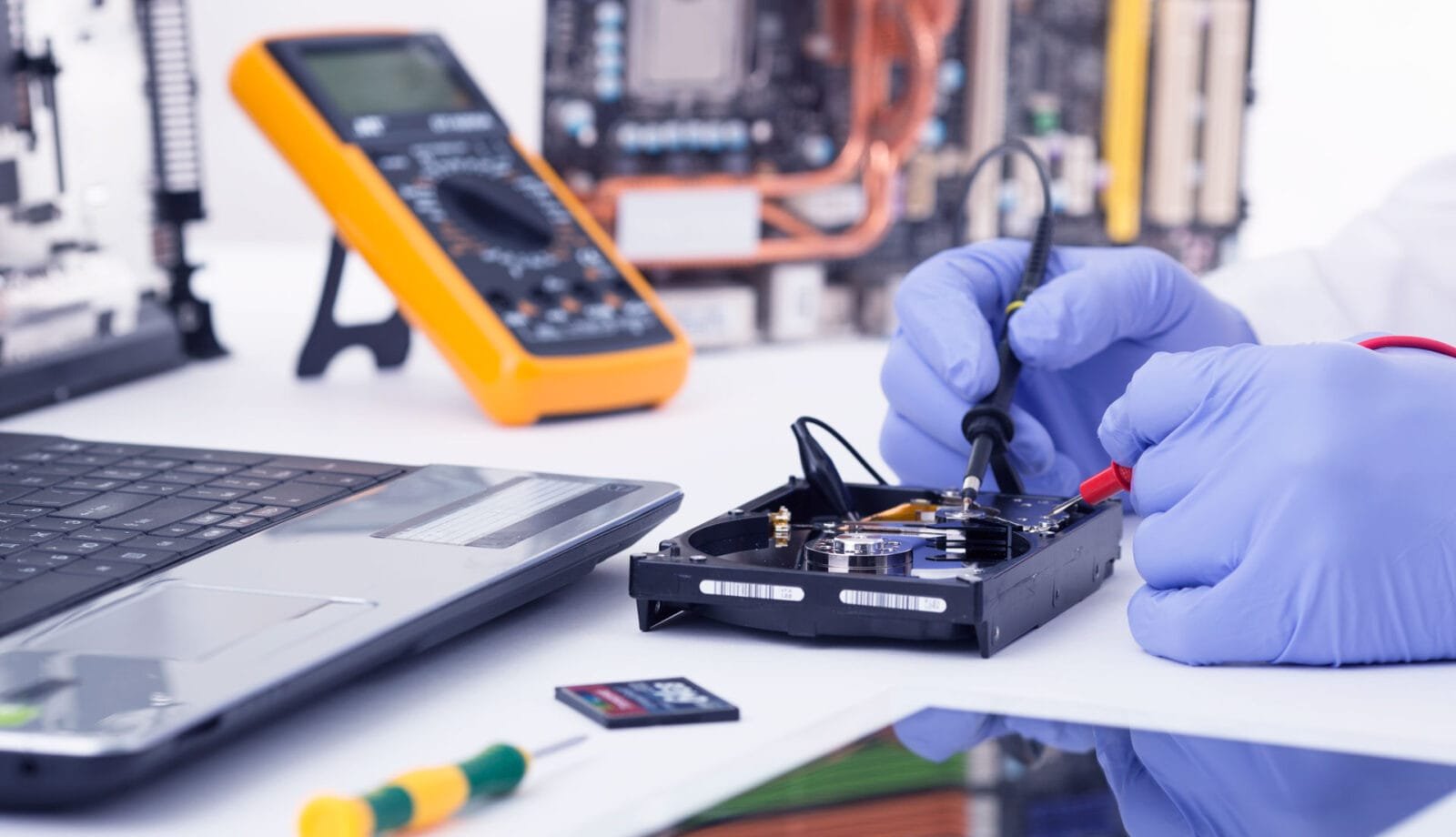
Technology continues to advance at a rapid pace, and computer hardware is no exception. Whether you use a computer for business, study, creative work, gaming, or everyday tasks, upgrading outdated hardware can improve performance, security, reliability, and productivity.
Better performance and productivity
Older computers often struggle with modern software, large files, and demanding workloads. Upgrading components such as the processor, memory, or storage can make applications open faster, reduce delays, and allow you to complete tasks more efficiently. A solid-state drive, for example, can significantly improve startup times and file access compared with an older mechanical hard drive.
Improved security and compatibility
Modern operating systems and applications are designed for newer hardware. A computer that is no longer supported may not receive important security updates or run current software properly. Upgrading hardware can help ensure compatibility with the latest operating systems, security tools, and business applications.
Greater reliability
Aging hardware is more likely to experience overheating, unexpected shutdowns, storage failures, and other problems. Replacing worn components or moving to a newer computer can reduce downtime and help protect important files. Reliable hardware is especially valuable for businesses that depend on their systems every day.
Support for modern technology
Newer hardware provides access to features that older systems may not support, including faster wireless connections, higher-resolution displays, advanced graphics, improved power efficiency, and stronger connectivity options. These improvements can make work and entertainment smoother and more enjoyable.
A practical long-term investment
Upgrading does not always mean replacing an entire computer. Adding memory, installing faster storage, replacing a battery, or improving cooling may extend the useful life of an existing system. However, when several components are outdated, replacing the computer may offer better value and ensure longer-term support.
Conclusion
Upgrading computer hardware technology is an important step for maintaining performance, security, and reliability. By reviewing your computer’s age, workload, software requirements, and condition, you can choose targeted upgrades that improve daily use and help your technology remain ready for the future.
Contact us now if you would like to talk about your options, or if you would like to know more contact us and we will get back to you.